V1.2.1 Released
HPSecure Authentication Mobile for Microsoft Intune / MDM Android and IOS provides users the ability to use their Mobile Device as a Digital ID Badge, by Scanning a QRCode that is generated on your HP Console via the HP Authentication Manager WorkPath Application to perform a Microsoft Authenticated Sign-in.
We also have the option to leverage compatible BLE based readers that are attached to your printer to also perform Microsoft Authenticated Sign-in.
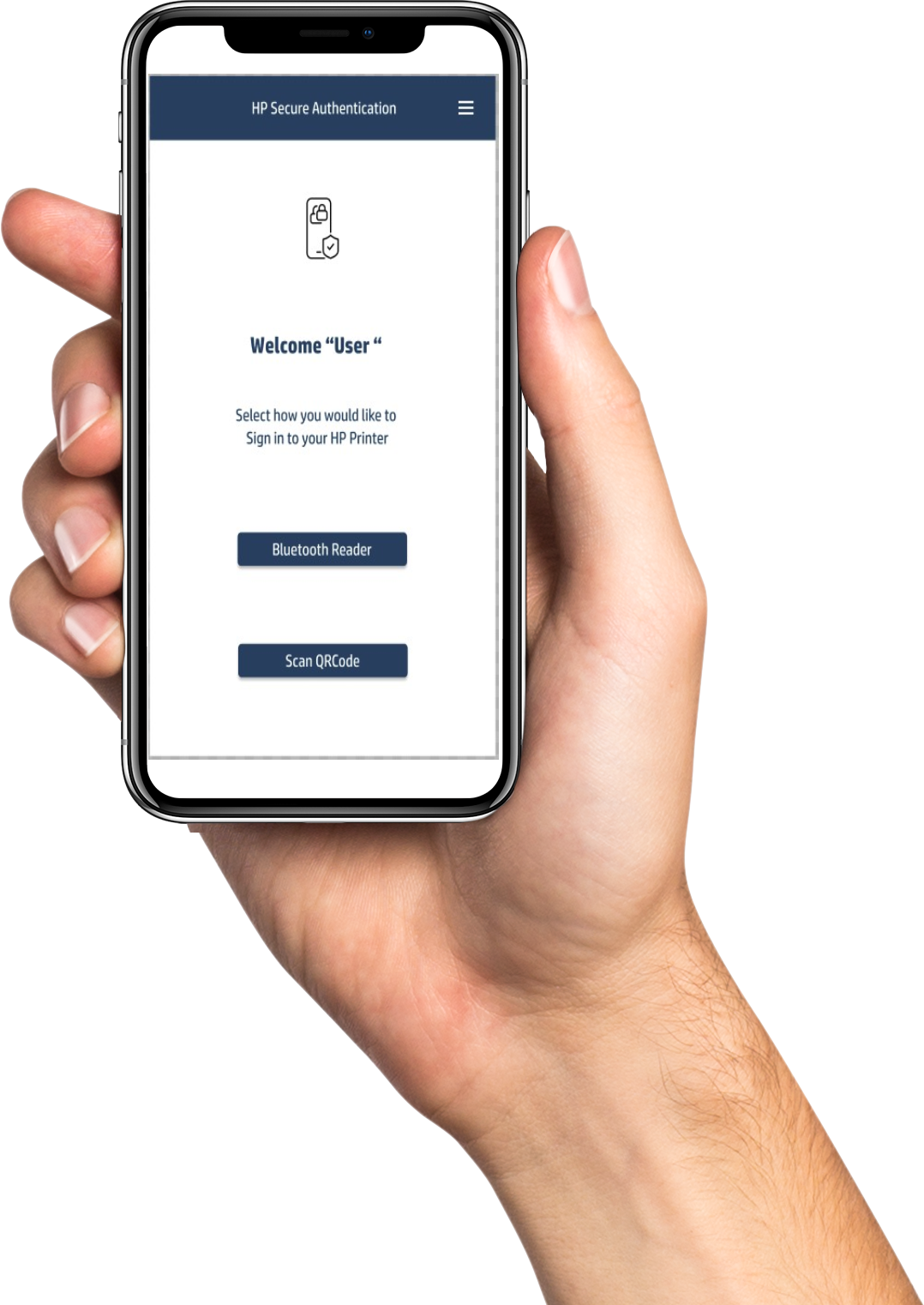
HP Secure Authentication harnesses the power of Microsoft Azure Multifactor password less authentication protocols. To ensure a highly secure password less access to your HP devices and certified HP Office 365 applications.
Users are required to have the Microsoft Authenticator Mobile Application installed. This combination guarantees a seamless and secure login experience via your Office 365 Login Account.
Our Microsoft Intune-compatible mobile app gives your organisation full control to securely deploy, configure, and manage application functionality and settings via Microsoft Intune Portal.
.
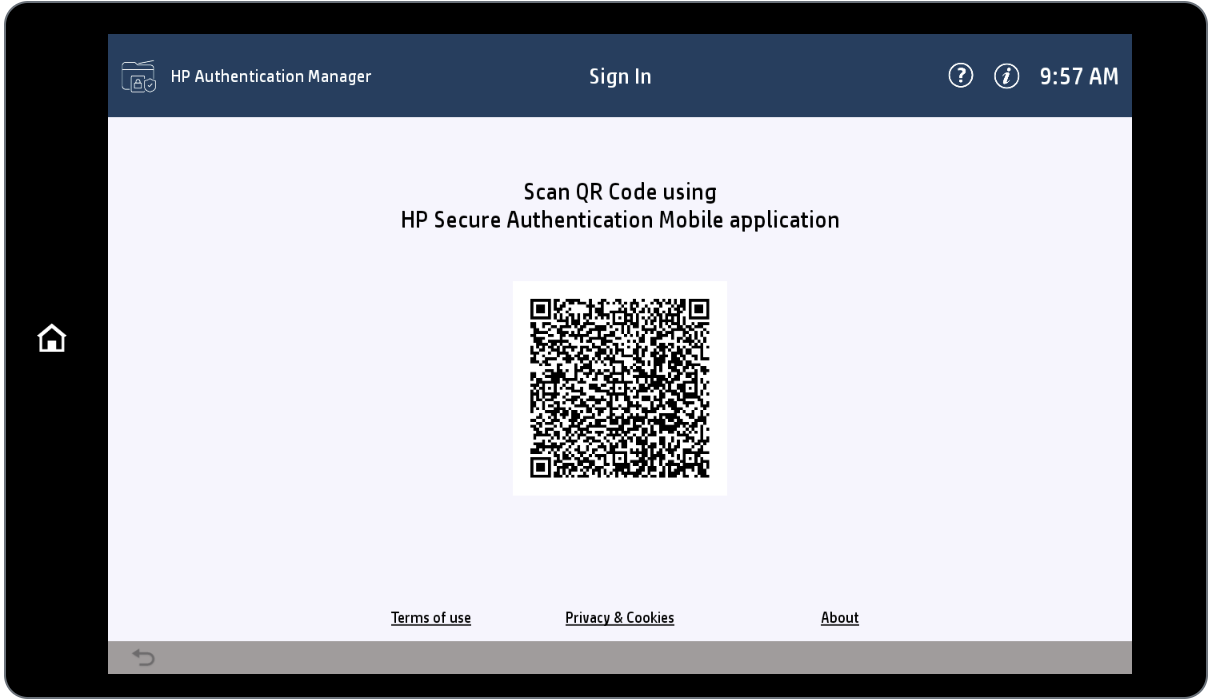
Please feel free to review Intune user guide and Short Videos
If you do not need an Intune Compliant Mobile app then you can download our Basic HP Secure Authentication Mobile app from Apple Store and or Google Playstore
Keywords
Intune
FAQ
What is HP Secure Authentication
Was this article helpful?
That’s Great!
Thank you for your feedback
Sorry! We couldn't be helpful
Thank you for your feedback
Feedback sent
We appreciate your effort and will try to fix the article