For a Successful deployment of HP Authentication manager Suite of Applications you will require!
For your Azure Onboarding Side
You will need an individual with the following capabilities, Qualifications and permissions:
- Azure Administrative Privileges: A Global Azure Administrator or equivalent role with the necessary permissions.
- Technical Proficiency: Comprehensive understanding of:
- Setting up Azure App Registration
- Implementing Microsoft Passwordless Multi-Factor Authentication (MFA) Sign-in using Microsoft Mobile Authenticator app
- Managing Conditional Access policies and Firewalls
- Ability to Install HP Authentication Manager Services using Azure Marketplace and or Via Azure PowerShell/Bash commands for (SignalR, Log Analytics)
- Implementing SignalR services for QRCode Sign-in and HP Secure Authentication Mobile app registration
- Implementing and Managing Log Analytics services For Print Report Services
- Implementing and Managing Azure Custom Security Attributes roles for User Card and Badge ID's processing.
For your Print Fleet Deployment
- A HP representative or HP Reseller that currently manages your Print Fleet as they have the rights to Install the HP Authentication Suite of applications onto Printers using HP's Command Centre Web Portal, Most customers do not have access nor are certified to install and configure HP Workpath Applications!
- Printer Firmware 5.8.x - 5.10.0.7
- *Your HP MFD must be HP Workpath capable and enabled (List of Certified Workpath Devices)
- **Your HP MFD must not have any other Login and Authentication application installed.
- End Users will need to Download and install HP Secure Authentication mobile application if using BLE or QRCode sign in Access.
- We only support English Language / localization
For your User
- All users must have an appropriate Microsoft 365 licence.
If Universal Print Services are being deployed, each user must have a licence that includes Universal Print, such as Microsoft 365 E3 or E5.
- Users with licences that do not include Universal Print (for example, Microsoft 365 Basic) can purchase Universal Print add-on licences separately.
Please review Microsoft’s Microsoft 365 and Office 365 licensing offerings to ensure the correct licences are assigned.
- To Support Azure/Office 365 MFA Passwordless Sign-in , all users must be using Microsoft's Authenticator Mobile Application (Free), configured in Passwordless mode.
- To support HP Authentication Manager QRcode Console Sign-In, All users must be using the HP Secure Authentication Mobile App for Android and IOS (Free)
Here is a List of Apps that will only work with HP Authentication Manager
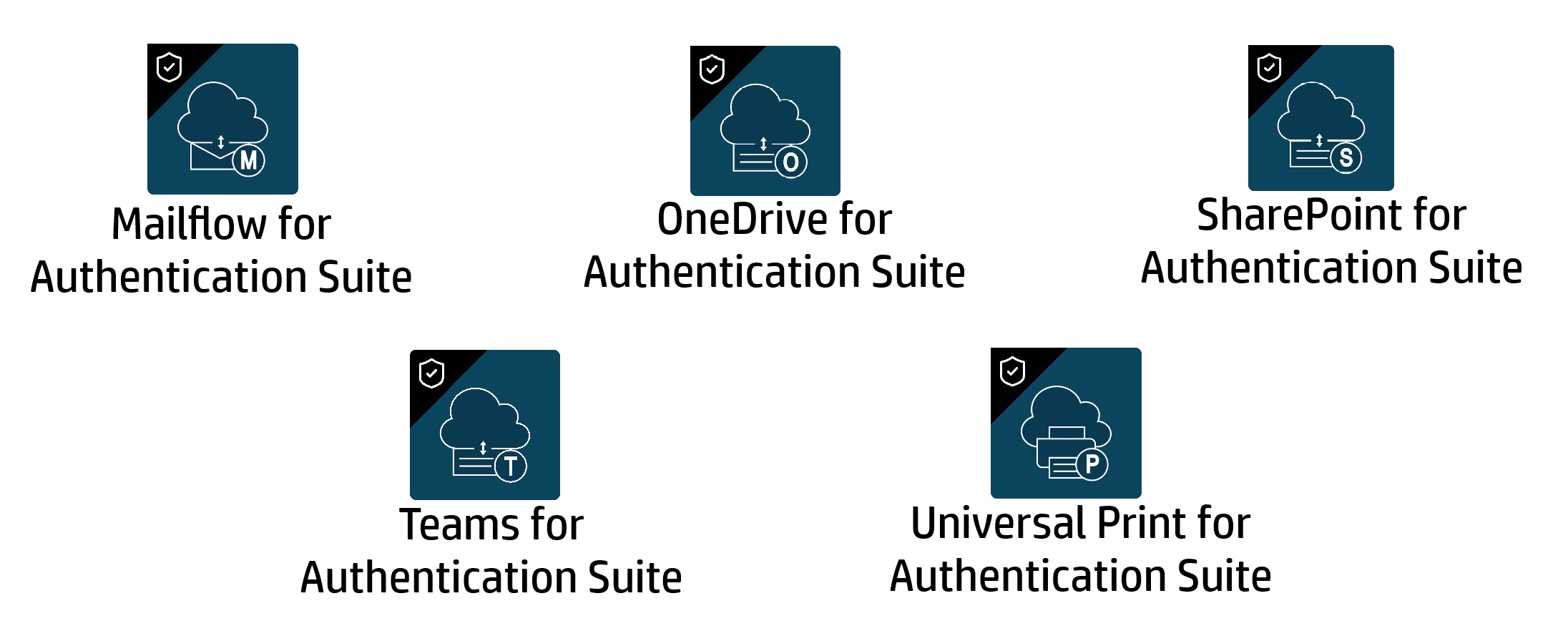
* HP printer must be HP Workpath capable and enabled – Your HP representative / Reseller will be able to provide you with a list of all devices that meets the HP Workpath and Firmware requirements and guide you accordingly. Many HP Devices are capable of running HP WorkPath Based applications but may need an Extra DIMM Memory Module to be purchased, and your HP Representative is fully responsible for deploying the Apps onto your Fleet via HP Command Centre Web Portal.
**HP Printer must not have any other 3rd Party Login and Authentication application installed. – Your HP representative / Reseller will be able to guide you, basically if you are using any of the HP Authentication applications and or 3rd Party applications to sign-in to your Printers (e.g. Everyone Print, HP Secure Access, HPID etc.) then you will not be able to use our New HP Authentication Manager application unless you uninstall the current sign-in application, this is particularly important if you are currently using NFC/BLE to Tap On and Sign-in via those alternate Sign-in Console apps.
**Additionally - HP Authentication Suite can be used as the authenticator to enable MFA within both HP Advance and LRS VPSX Print Release. If you need to integrate with either of these solutions, please remove the HP Advance / LRS VPSX Print Release authentication module and reach out to your HP representative for the integration requirements.
Additional Information
- NFC nor BLE Readers are required for our solution, however if you currently use NFC/BLE Readers then we have limited support for both the Readers and especially the Card Types / Protocols. Please check with your HP Representative if your current Readers and Card types are supported, else our solution will support a Reader-less flow by using our HP Secure Authentication Mobile app via the QRCode Option.
- The HP Authentication Office 365 Suite includes Universal Print which requires the user to have a Microsoft Azure Universal Print License, See Microsoft Licensing for further information if your current Azure / Office Licenses qualifies, else you will need to purchase a Microsoft Universal Print License. Please be aware there are costs associated with using Microsoft Universal Print Licences which includes allowable volumes per Month.
For a customer Pilot Deployment Request or Proof of Concept (POC), please click here
**
Was this article helpful?
That’s Great!
Thank you for your feedback
Sorry! We couldn't be helpful
Thank you for your feedback
Feedback sent
We appreciate your effort and will try to fix the article